Send it to a person
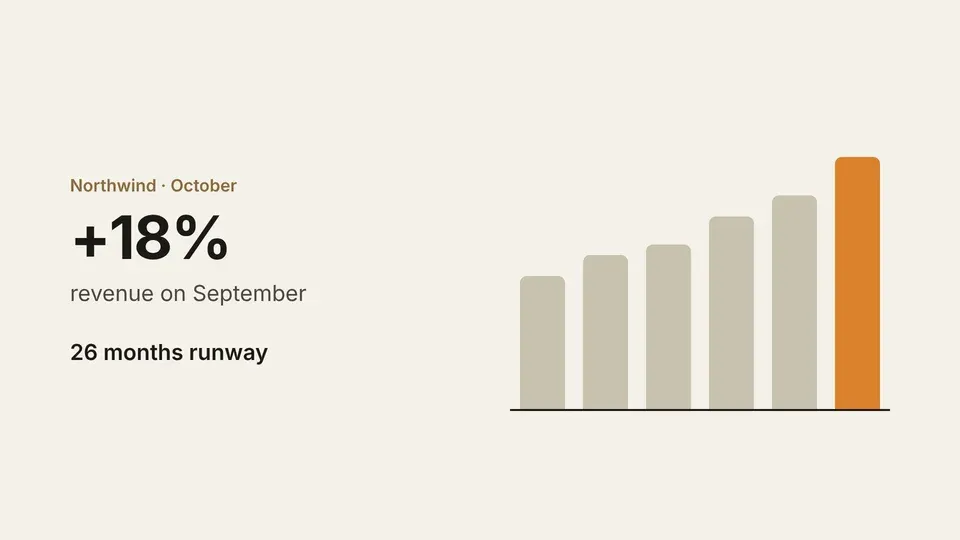
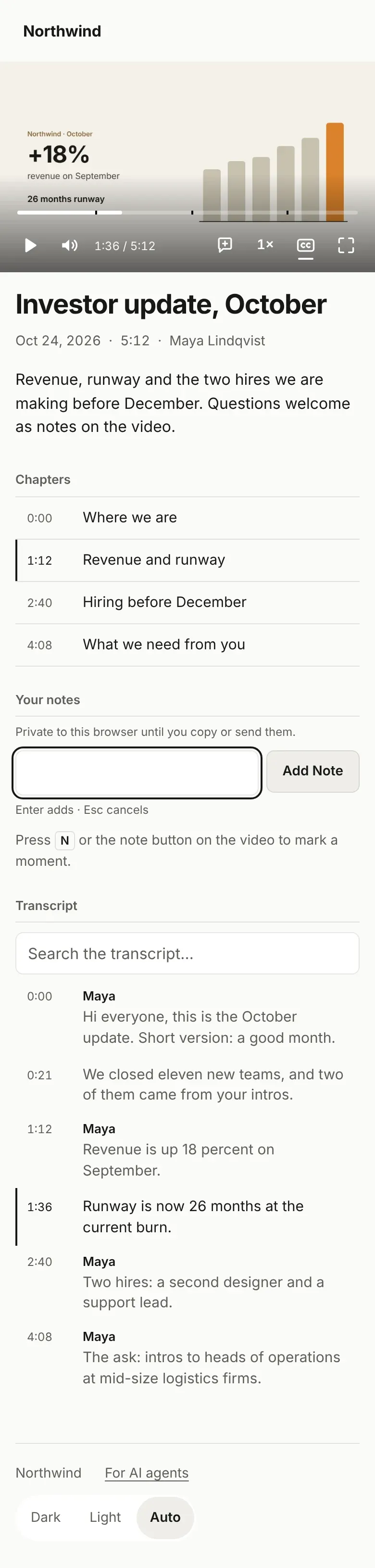
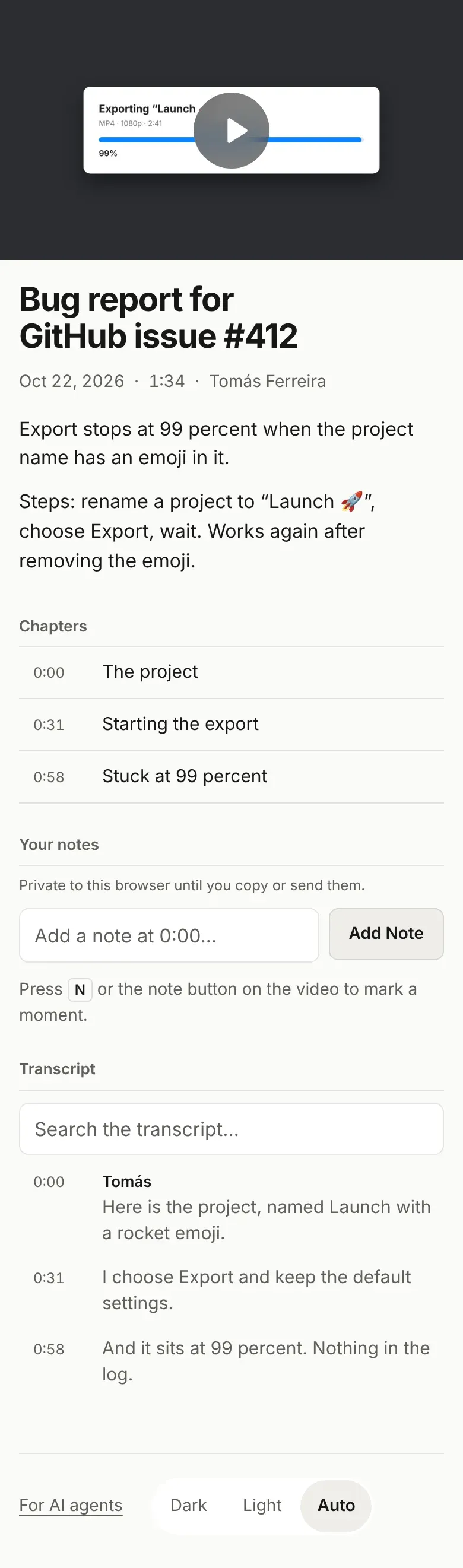
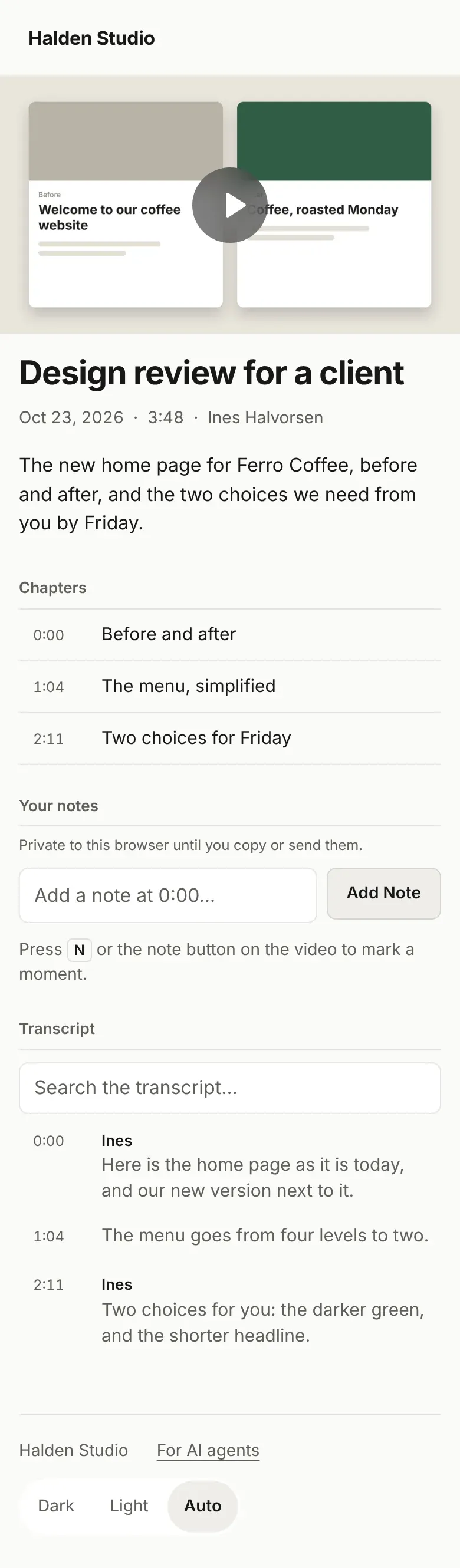
Paste the link in any chat or email. A public page arrives with its picture and title, and opens in one tap.
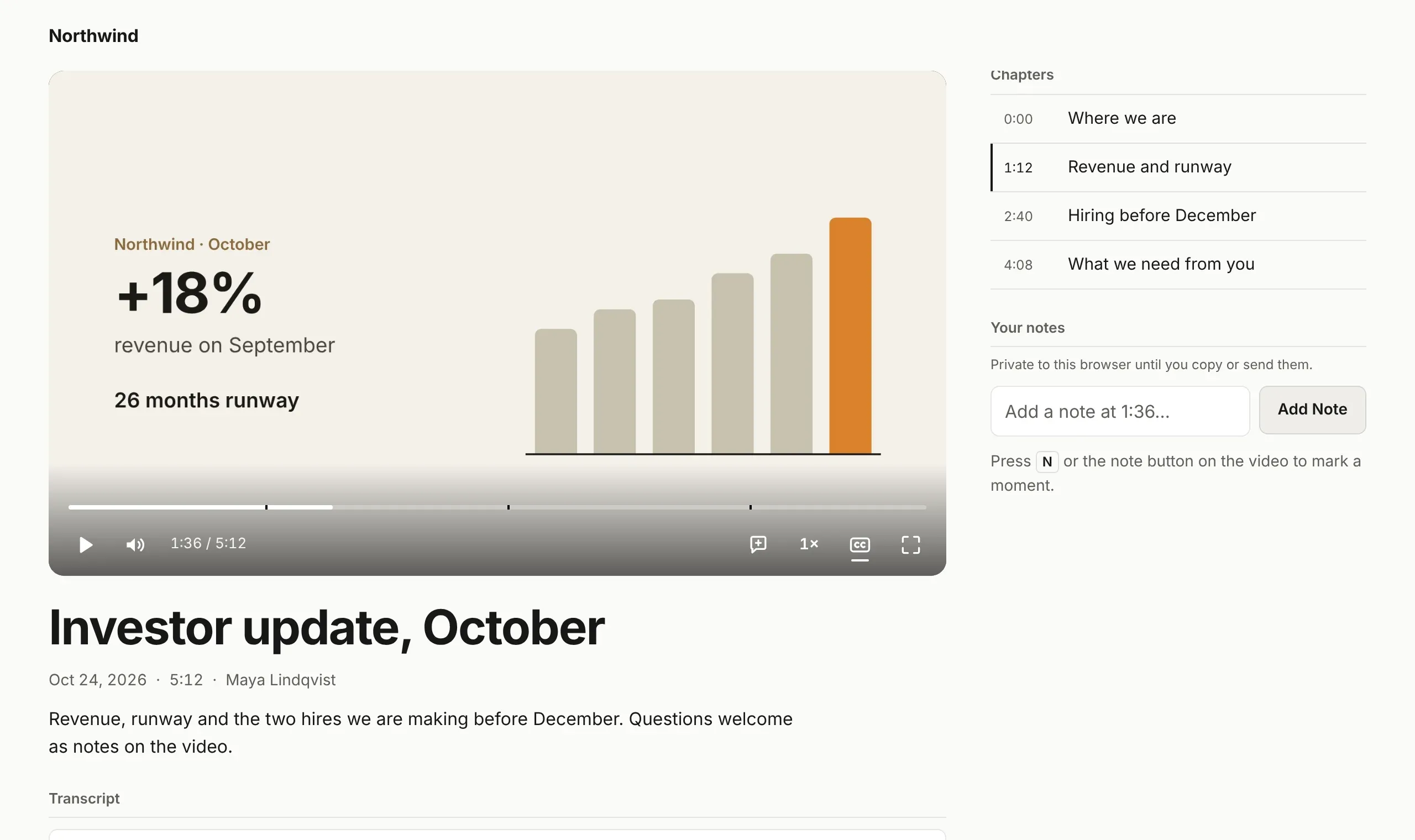
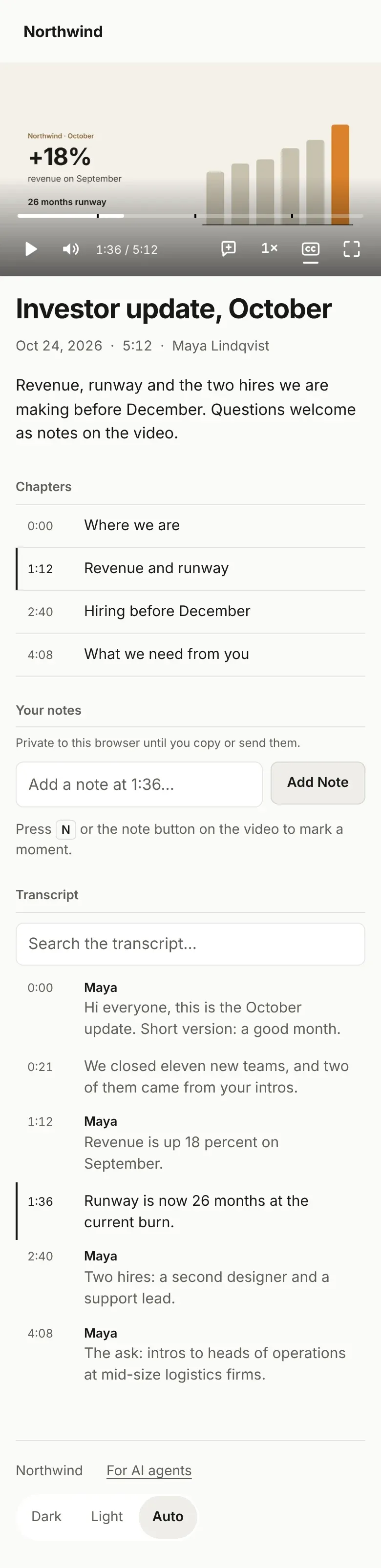
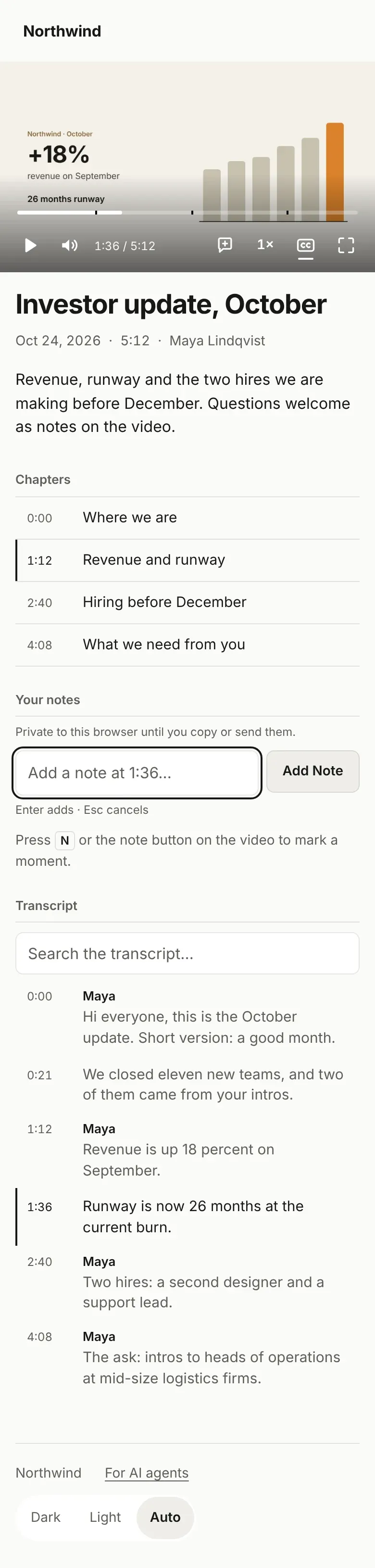
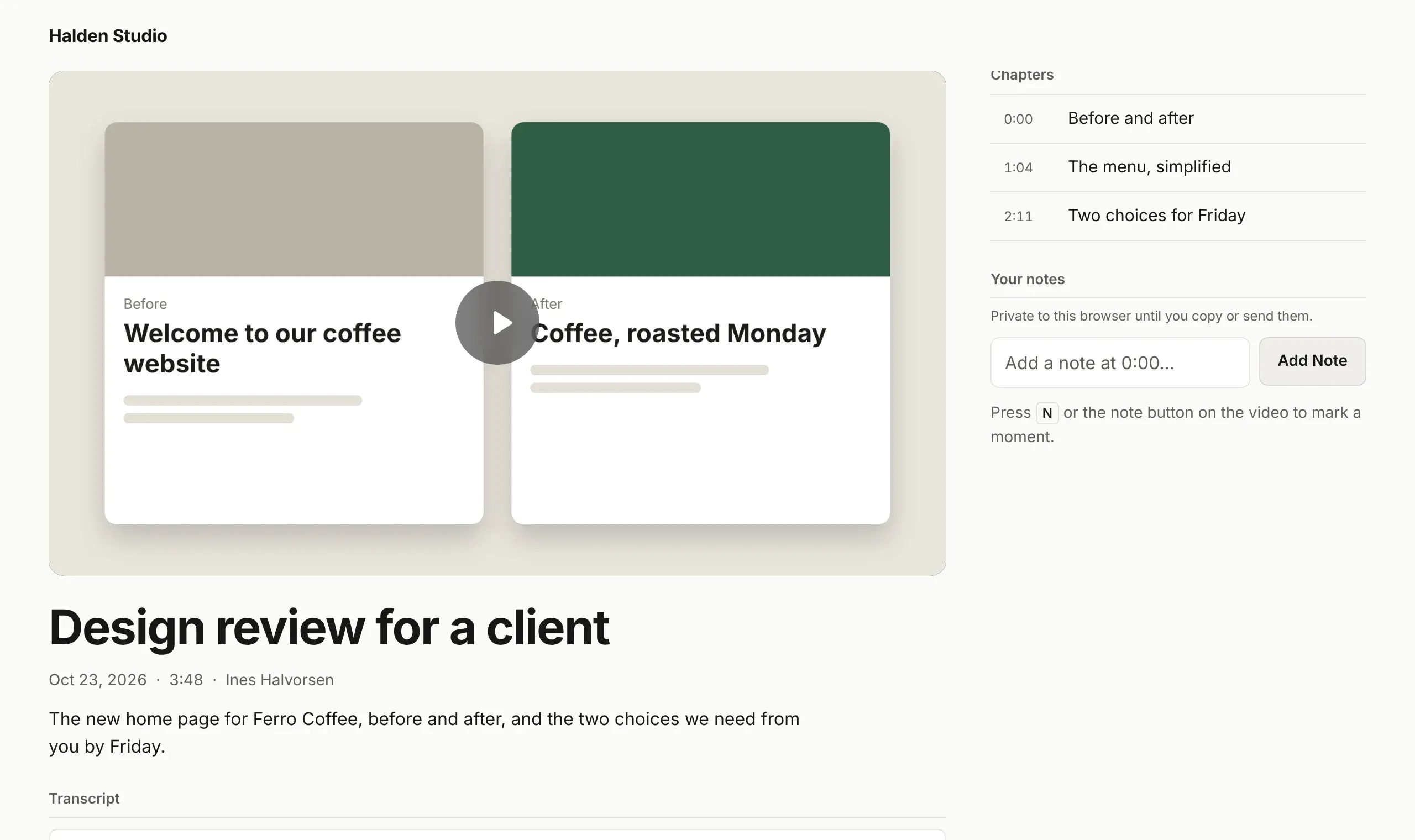
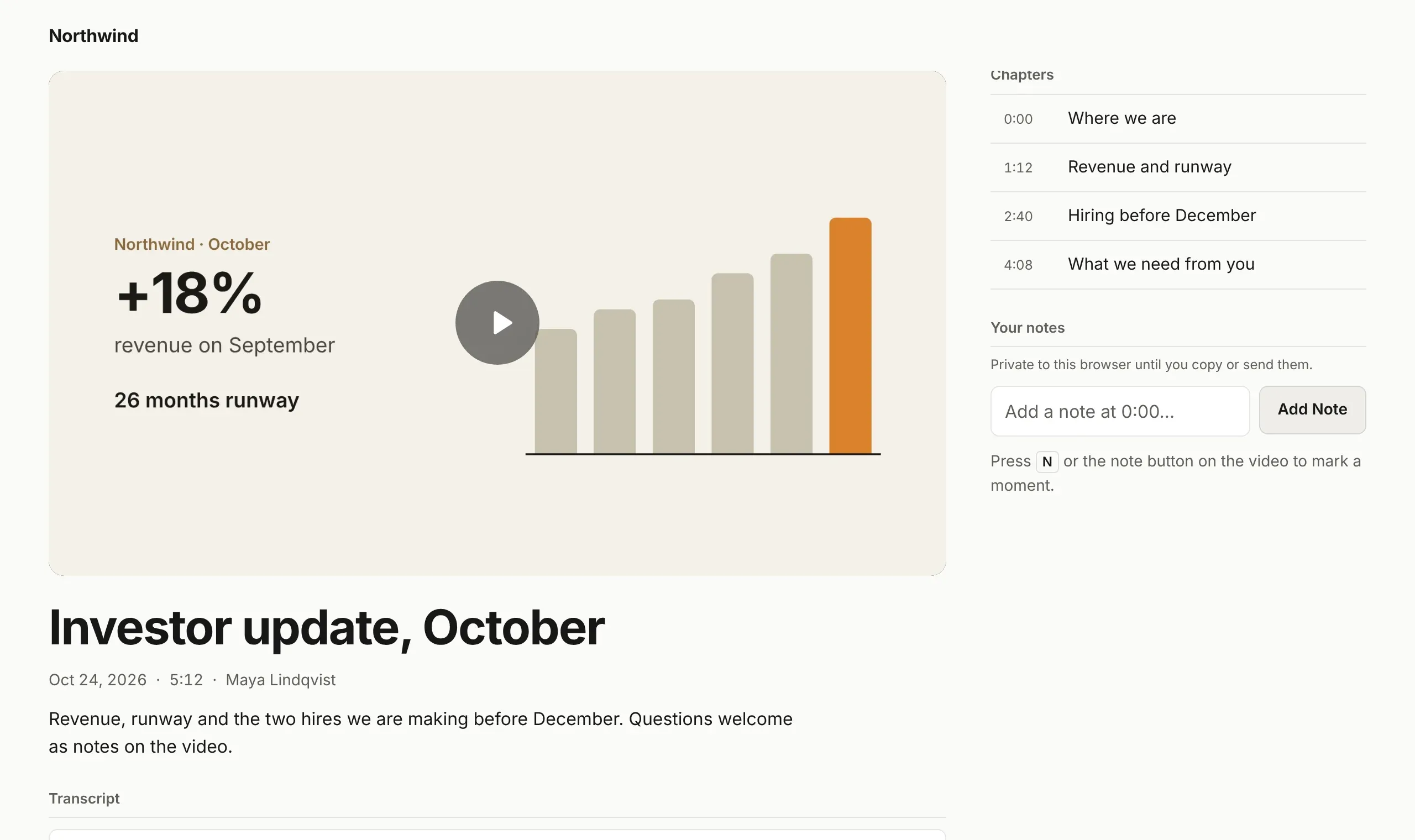
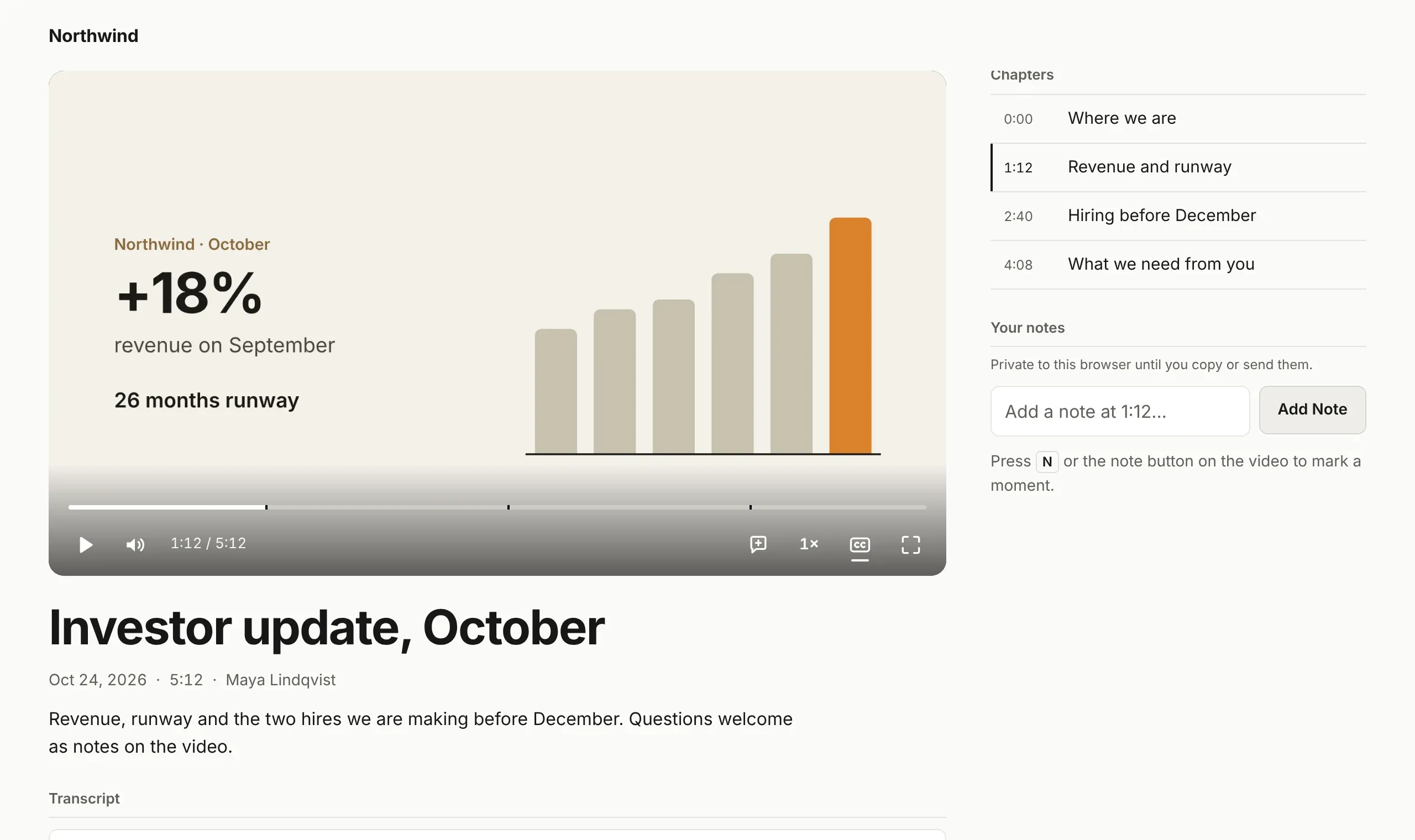
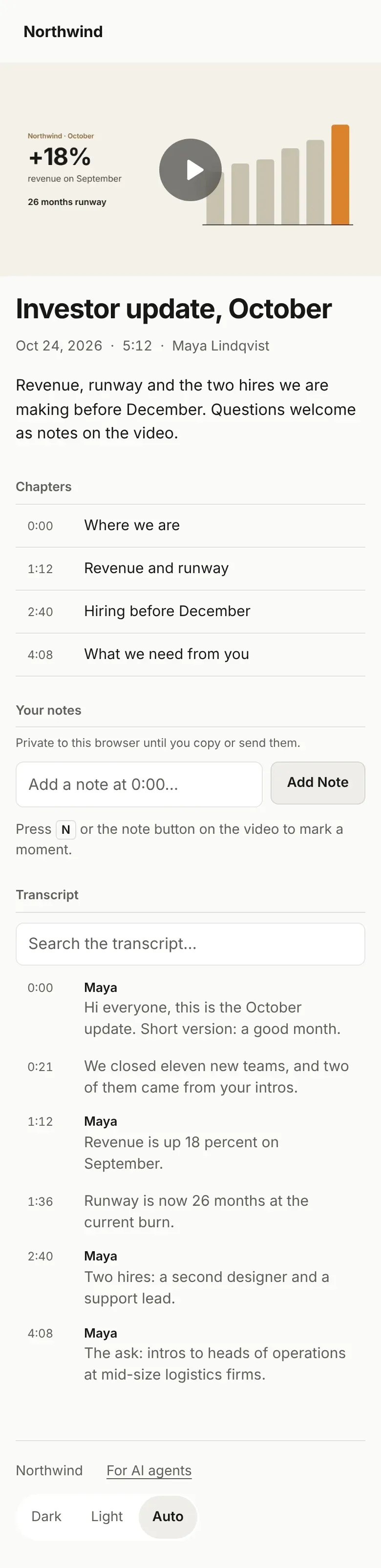
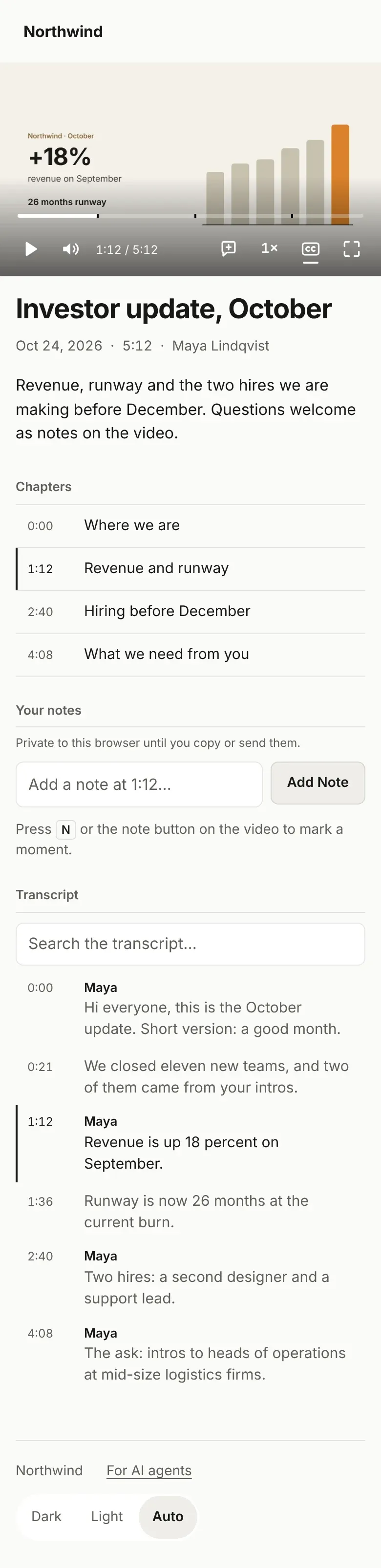
Bingsu turns a recording into a small website: the video, its chapters, the transcript and room for notes. It goes on your own host, and the people you send it to need nothing to watch.
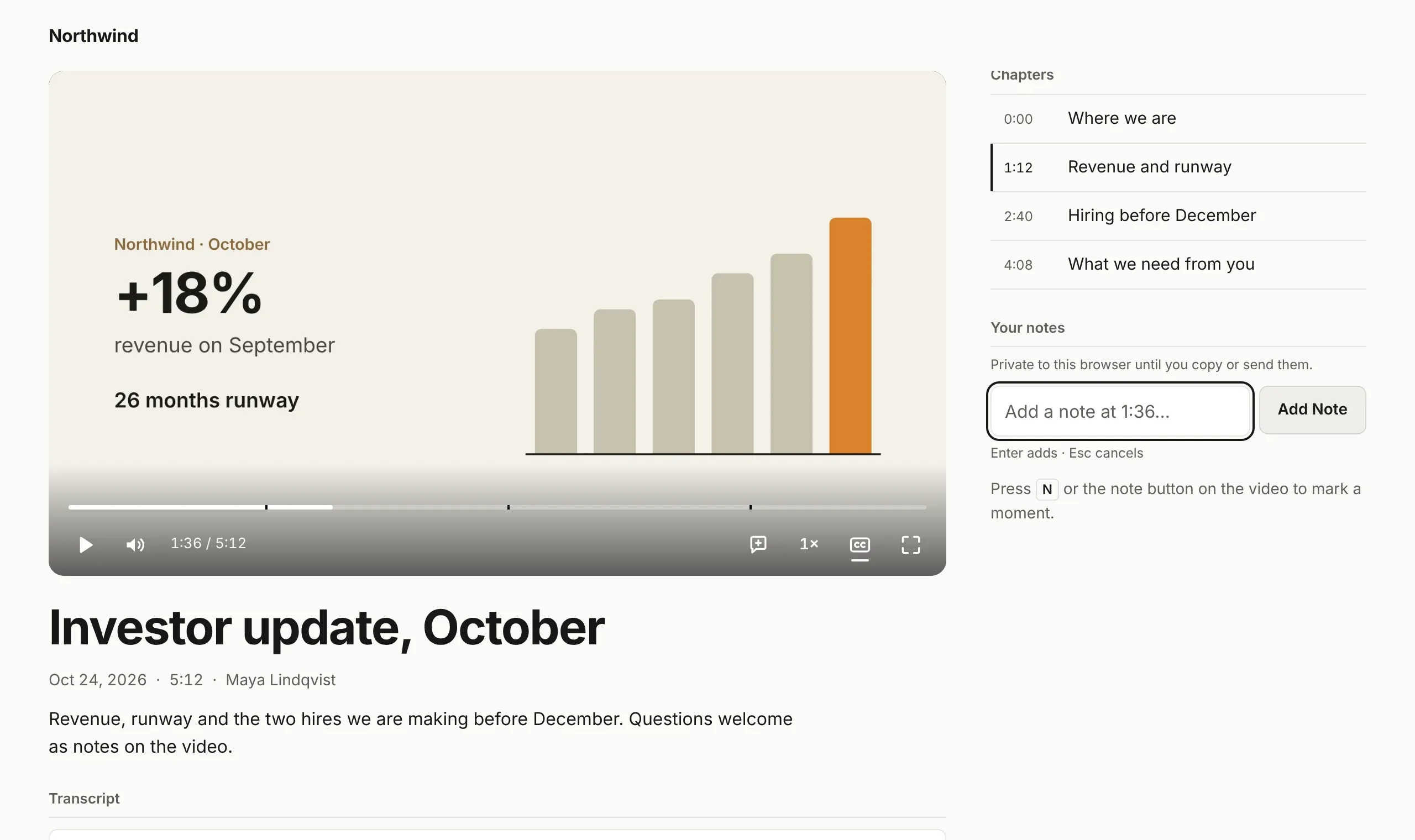
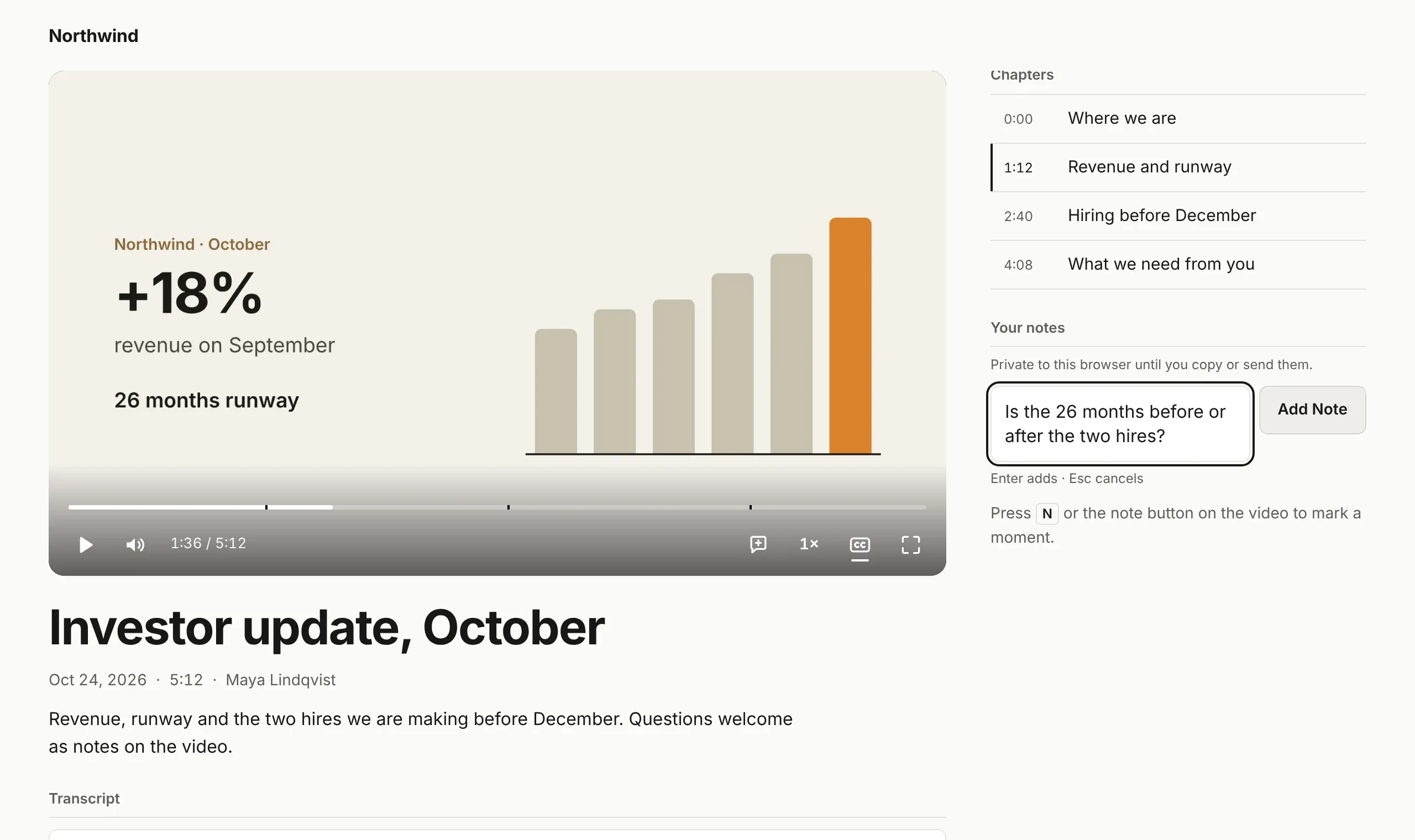
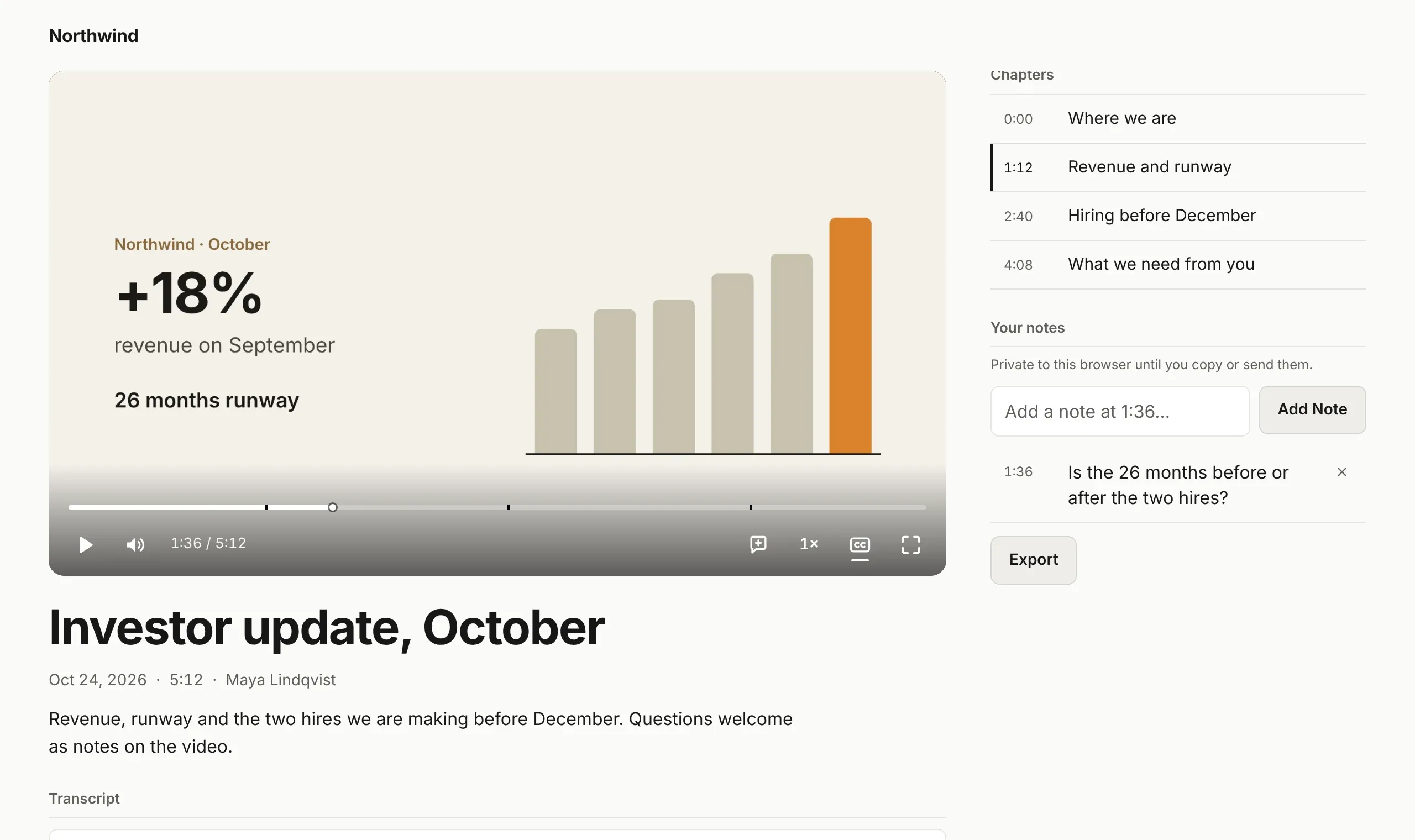
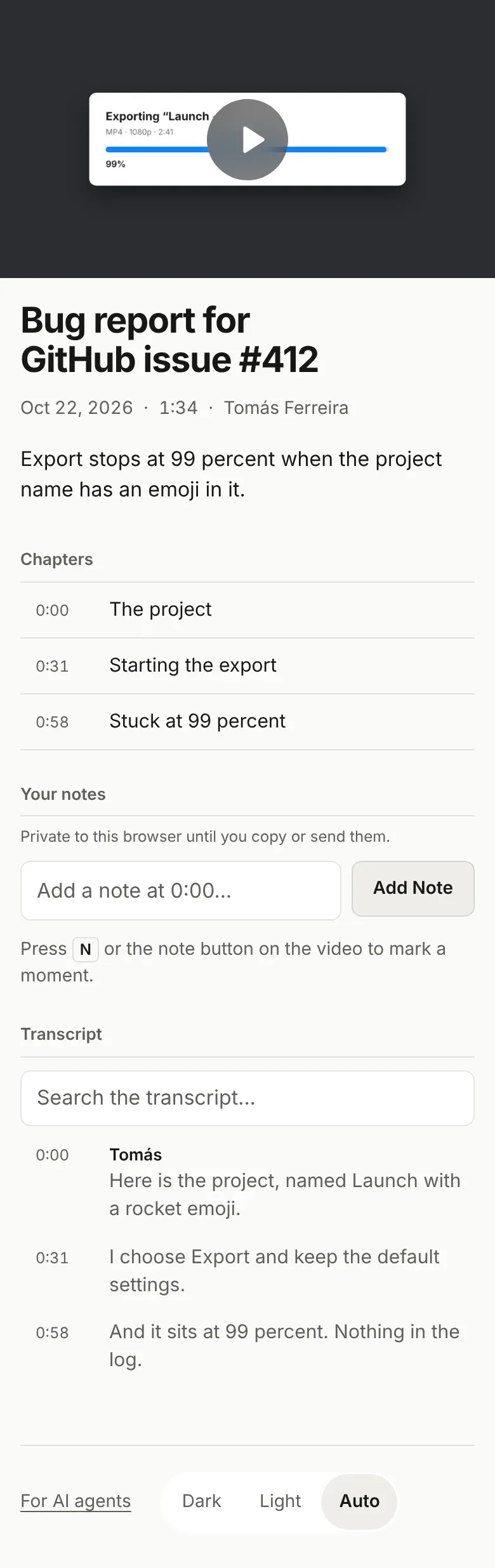
A share page is a folder with the video, its chapters, the transcript and a box for notes. These demos run the real page and the real Bingsu window on made-up recordings.
Paste the link in any chat or email. A public page arrives with its picture and title, and opens in one tap.
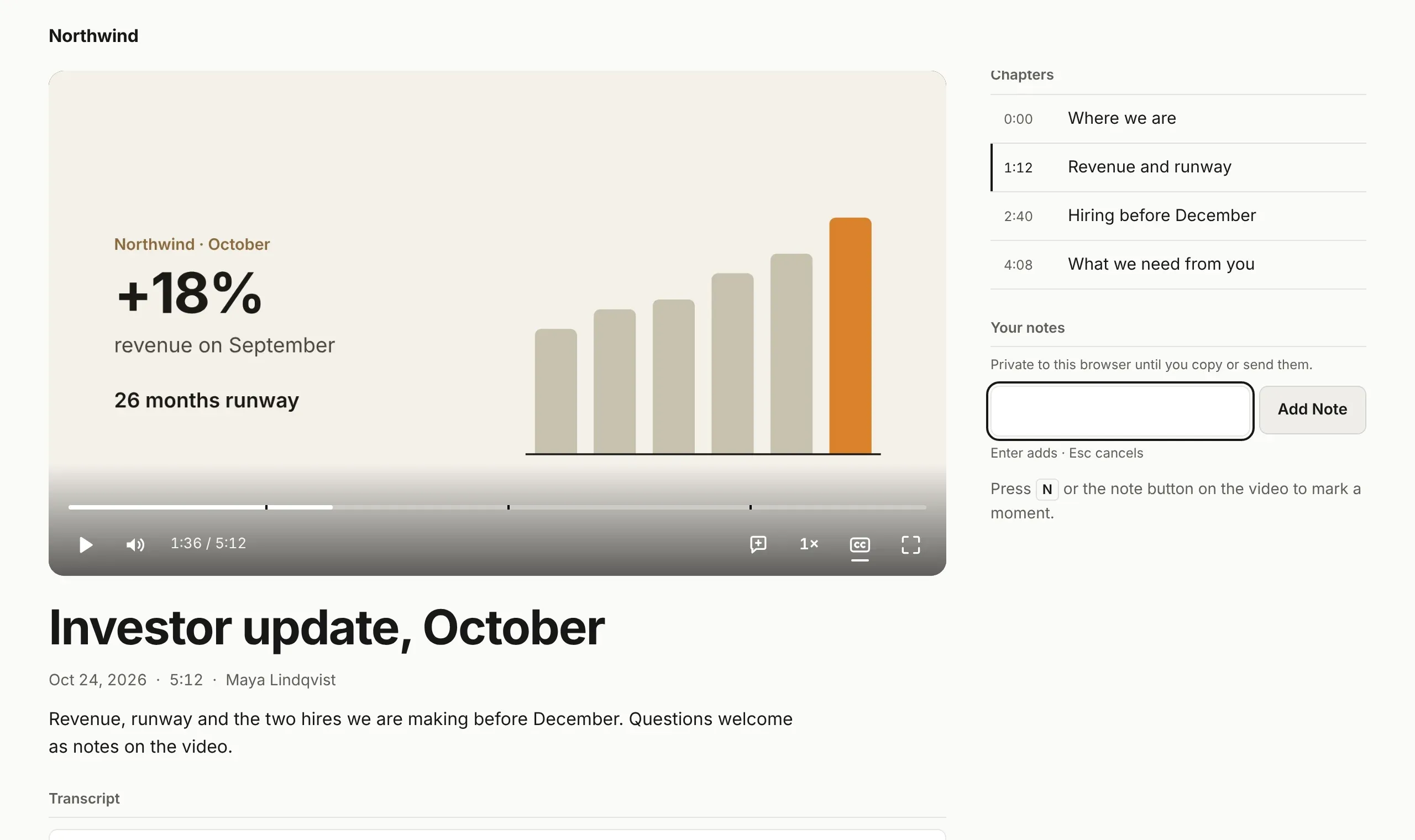
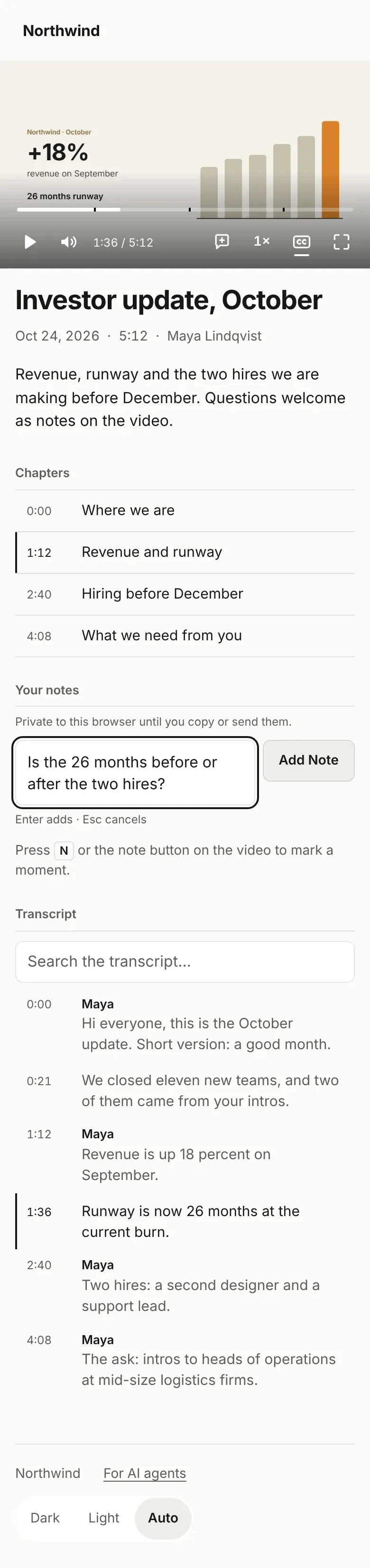
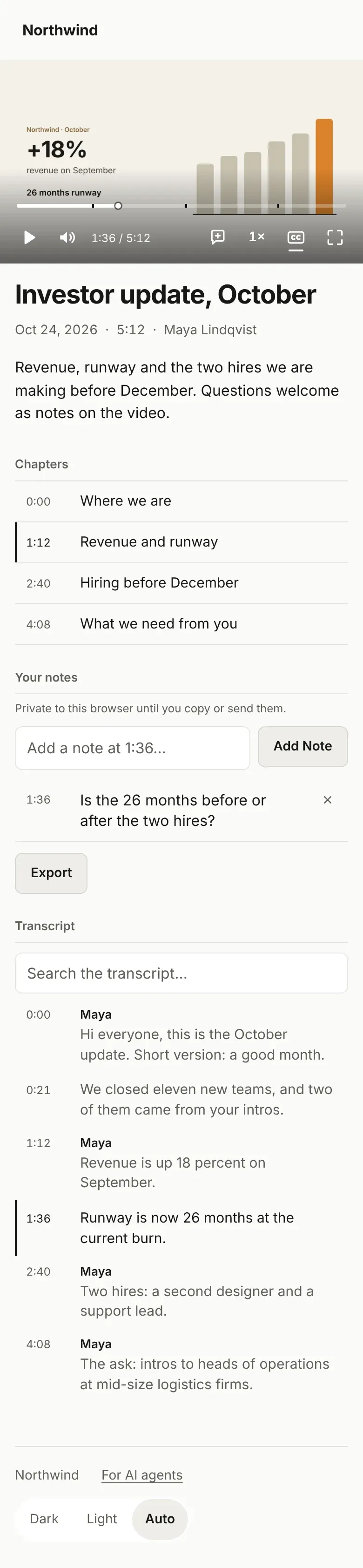
Viewers pause, type a note, and the page pins it to that second of the video.
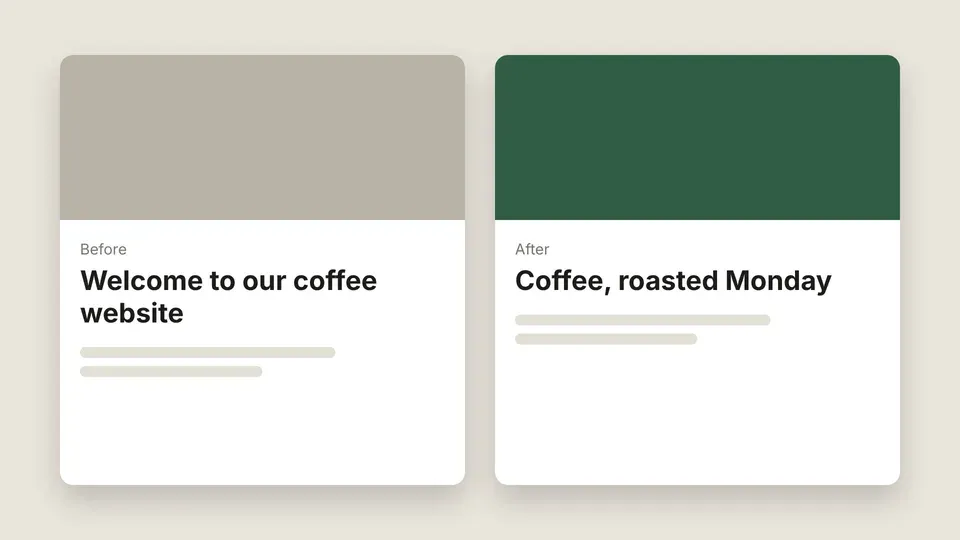
Ask your agent to fix a line or add a step. The link you sent shows the new page.
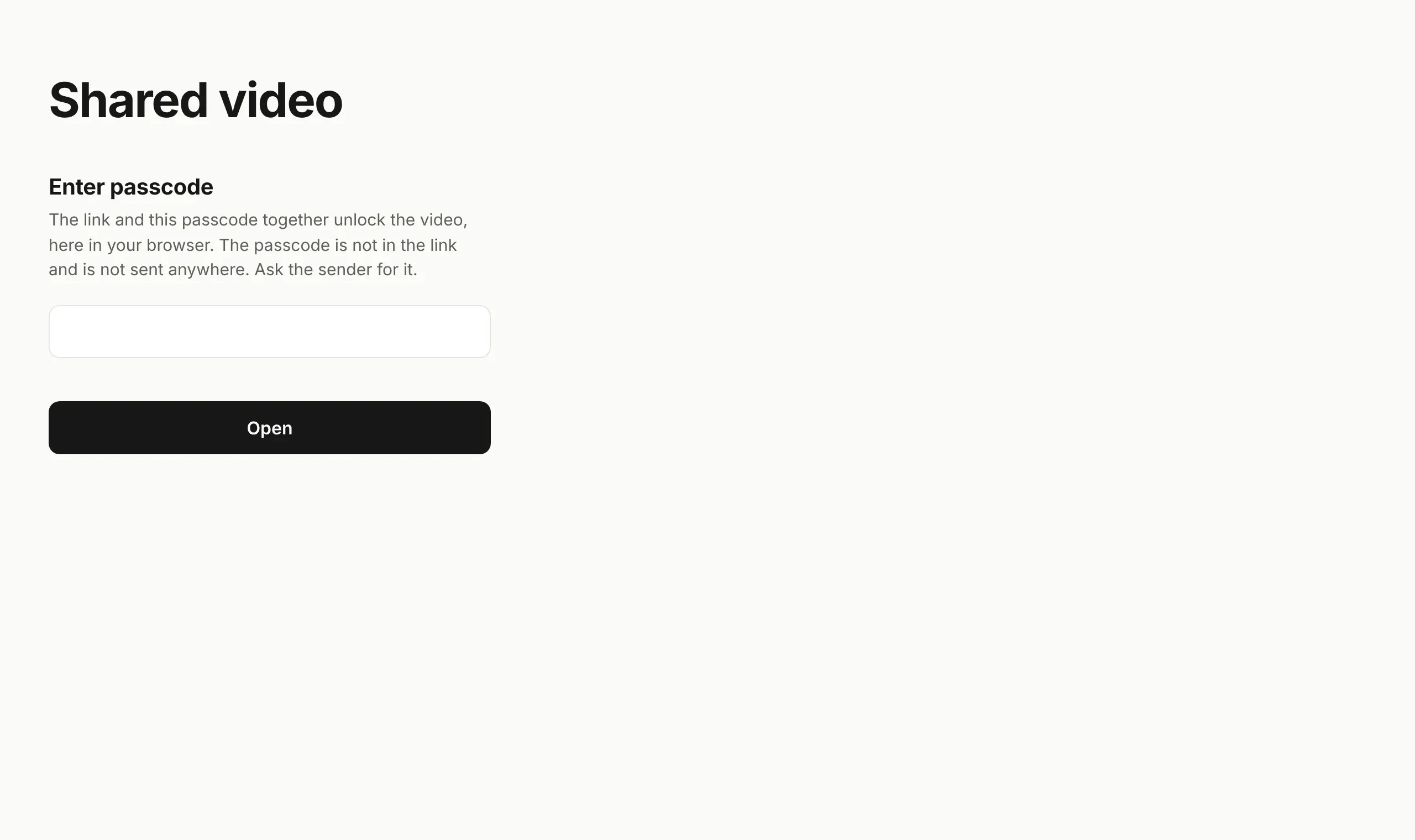
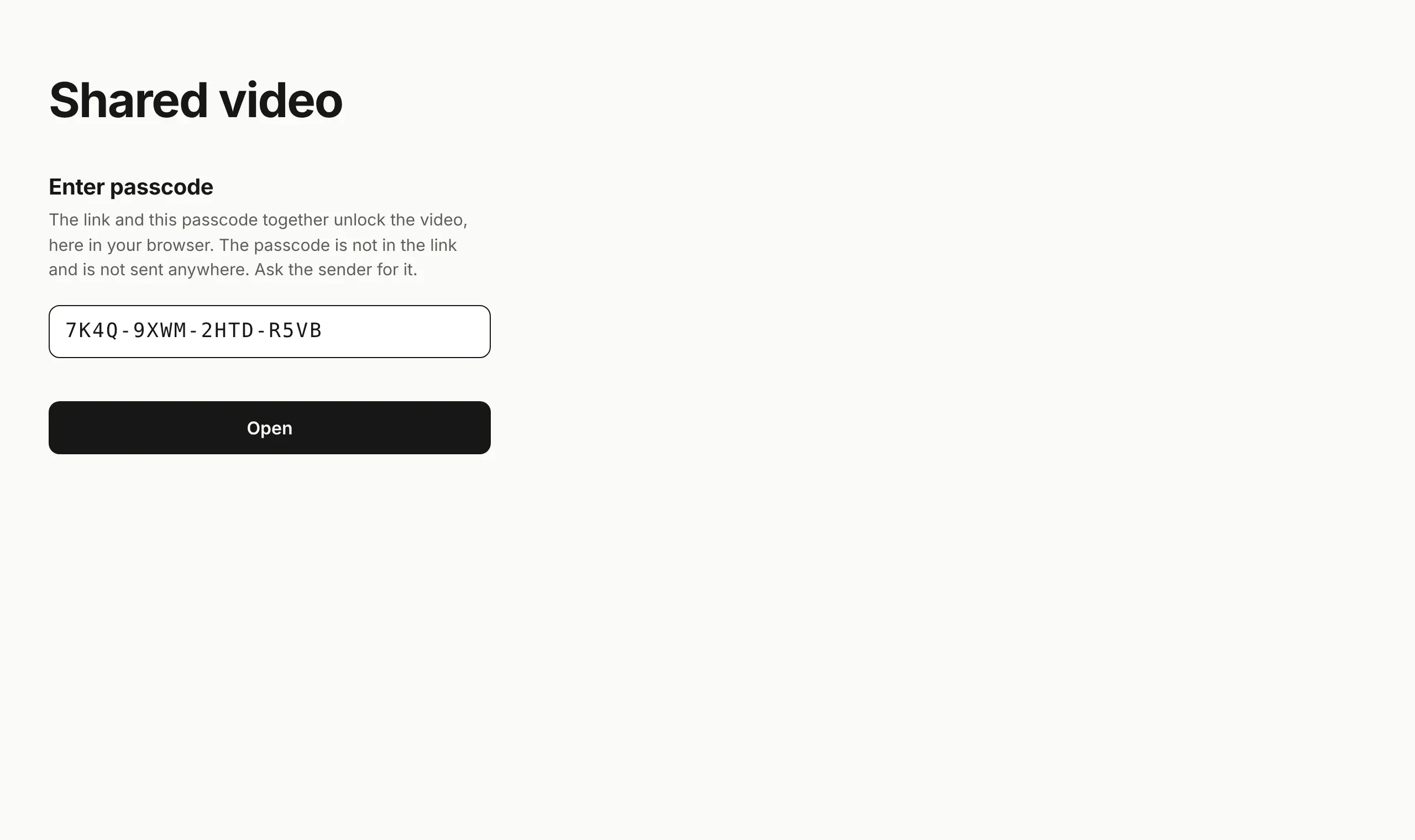
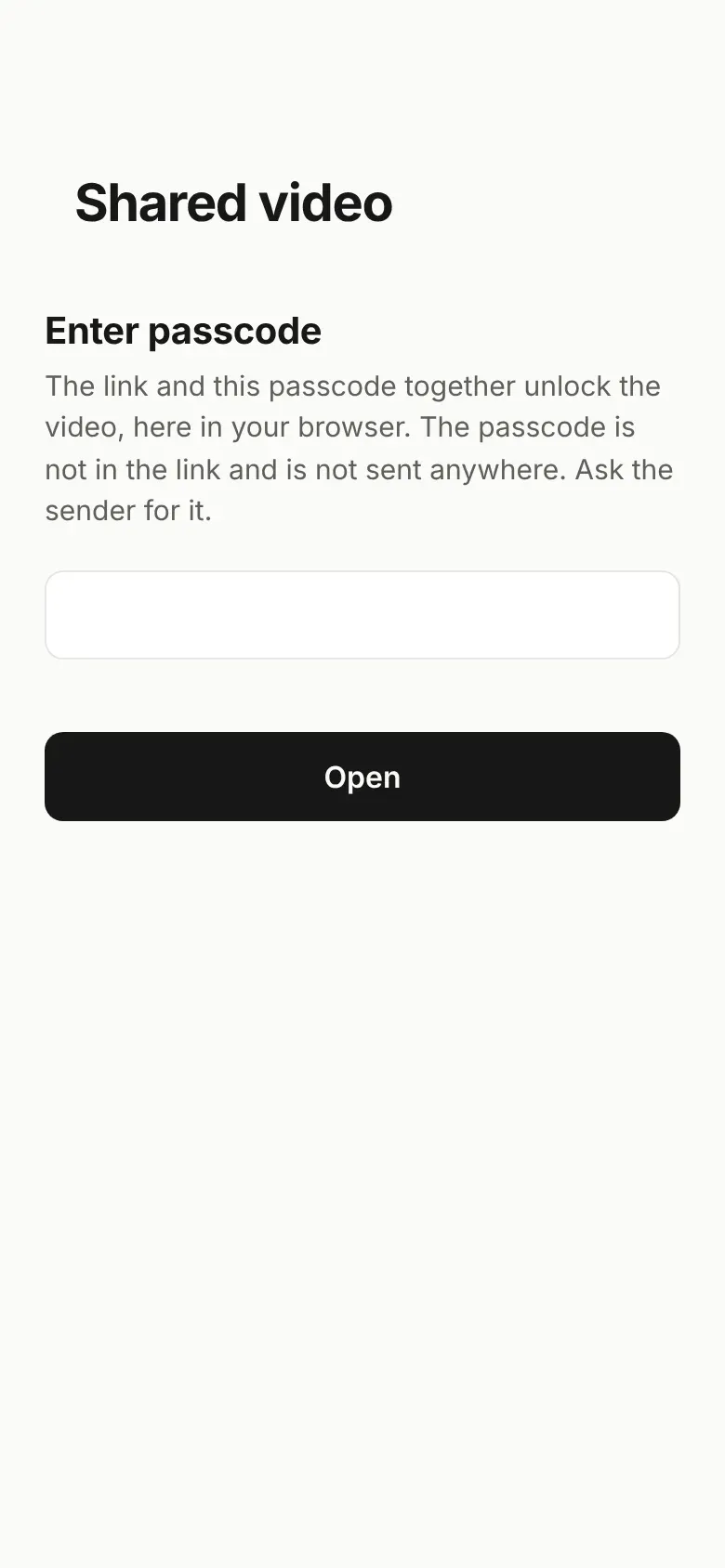
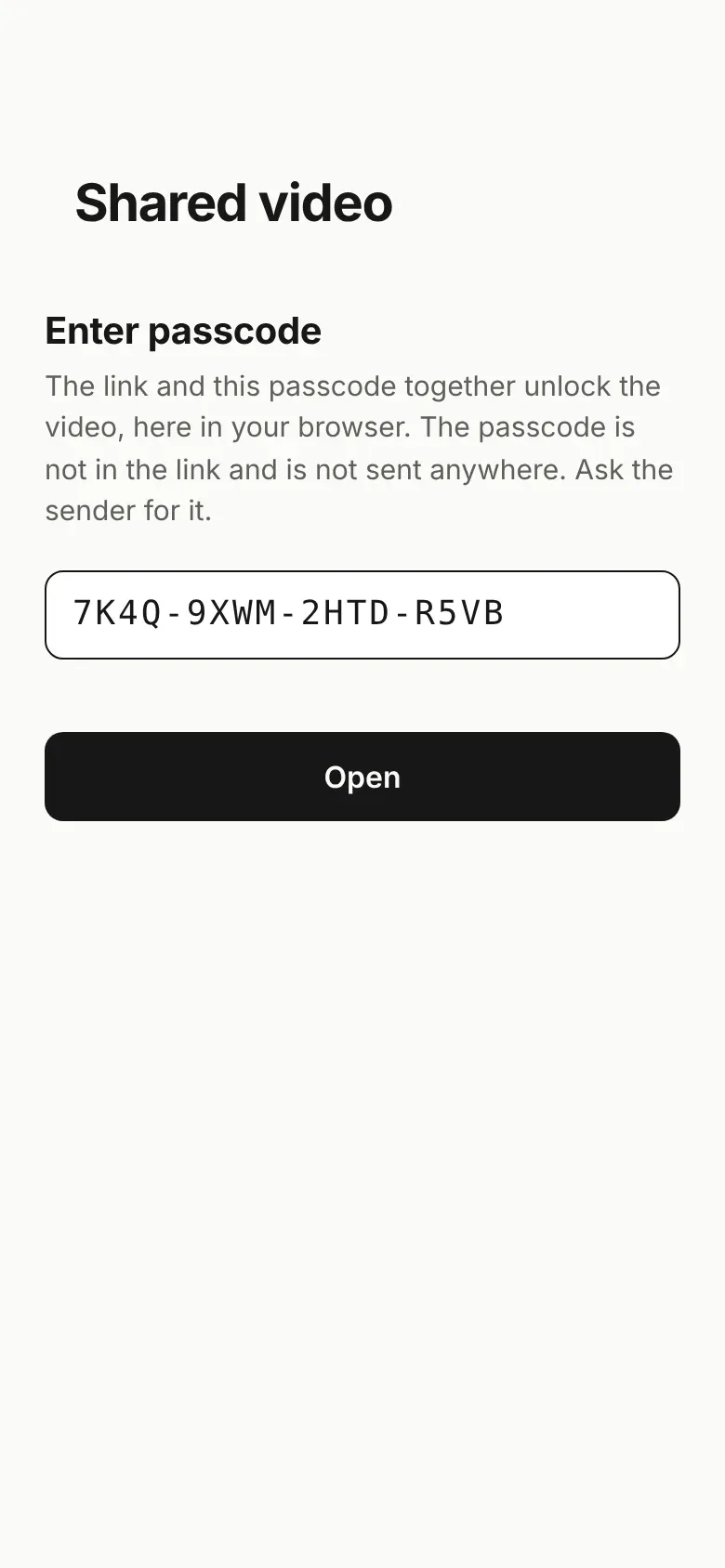
Bingsu makes the passcode. Send it apart from the link. The page needs both to open. Your host cannot watch it either.
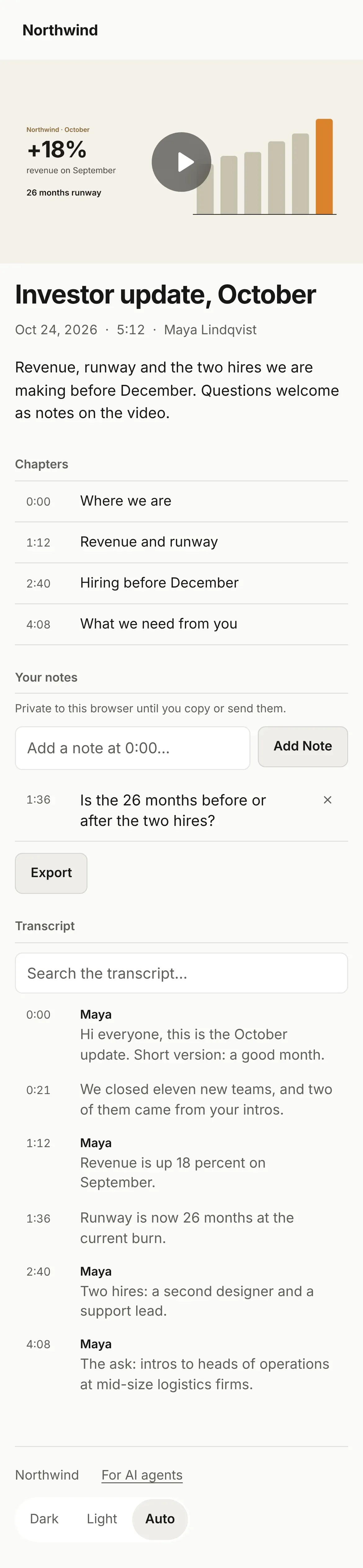
No app, no account, no sign-in wall and no cookie banner. The page loads only from your host, so their browser talks to no one else.
Bingsu writes a folder next to the recording. Publish it where you already host things, or ask your agent to. Nothing goes to us.
| Cloudflare Pages |
npx wrangler pages deploy <folder> --project-name <name>
|
|---|---|
| Vercel |
npx vercel deploy <folder> --prod --yes
|
| Netlify |
npx netlify-cli deploy --dir <folder> --prod
|
| GitHub Pages |
npx gh-pages --add -d <folder> -e <name>
|
| ChatGPT Sites |
Ask Codex in the ChatGPT app to publish the folder as a site.
|
Bingsu has no server, so there is no Bingsu account to manage and no vendor to review for recordings: no data processing agreement, no residency question, no extra place your videos live.
To limit who can watch, publish to a host behind the sign-in you already run. Cloudflare Access puts Okta, Microsoft Entra ID or Google Workspace in front of a page. ChatGPT Sites can limit a page to your workspace or to named people. Vercel and Netlify offer the same on their team plans.
Your computer and your host.
Nothing. Bingsu makes no network request to publish.
People with the link and its passcode, or whoever your host's sign-in lets in.

Record it once and send a link. Or let your agent do the recording.