


 REC
REC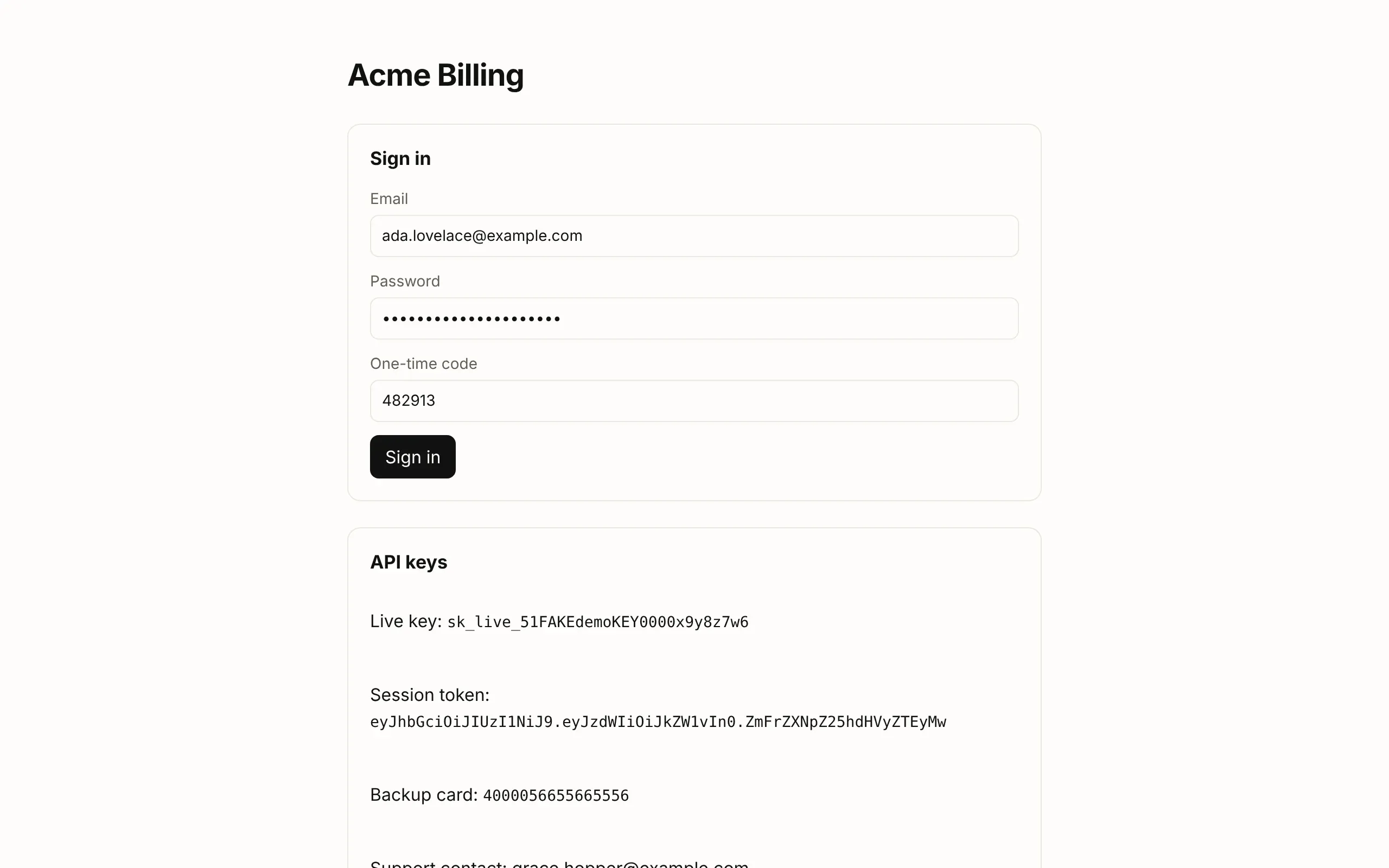


On its own
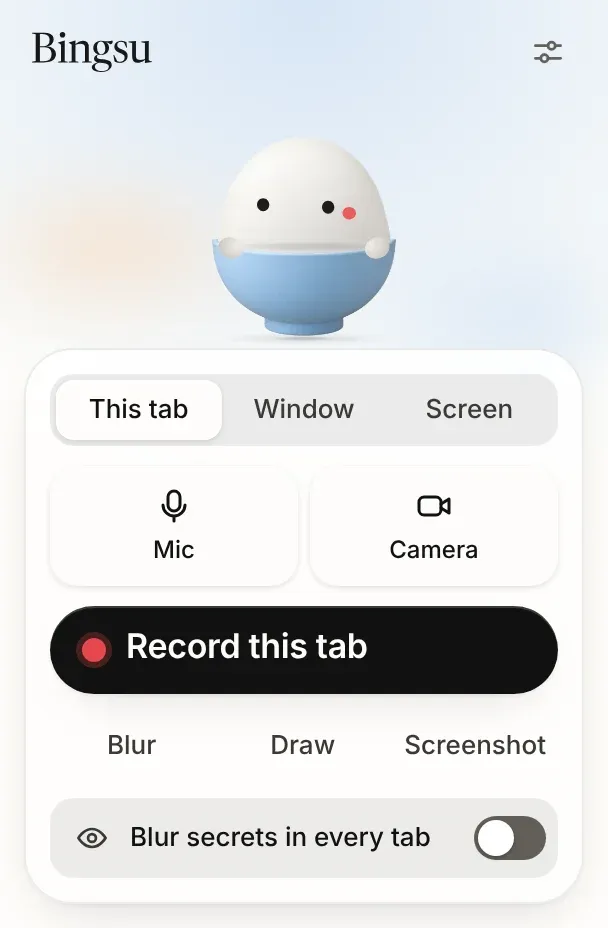
In Chrome on Mac, Windows, Linux and ChromeOS. Records a tab, a window or the screen to an MP4 in Downloads, with blur, drawing, screenshots and the guide.
Bingsu for Chrome
A free screen recorder that blurs passwords, emails and keys before the first frame. Record a tab, a window or the screen with your camera, and get an MP4 on your computer. No account, and nothing is uploaded.
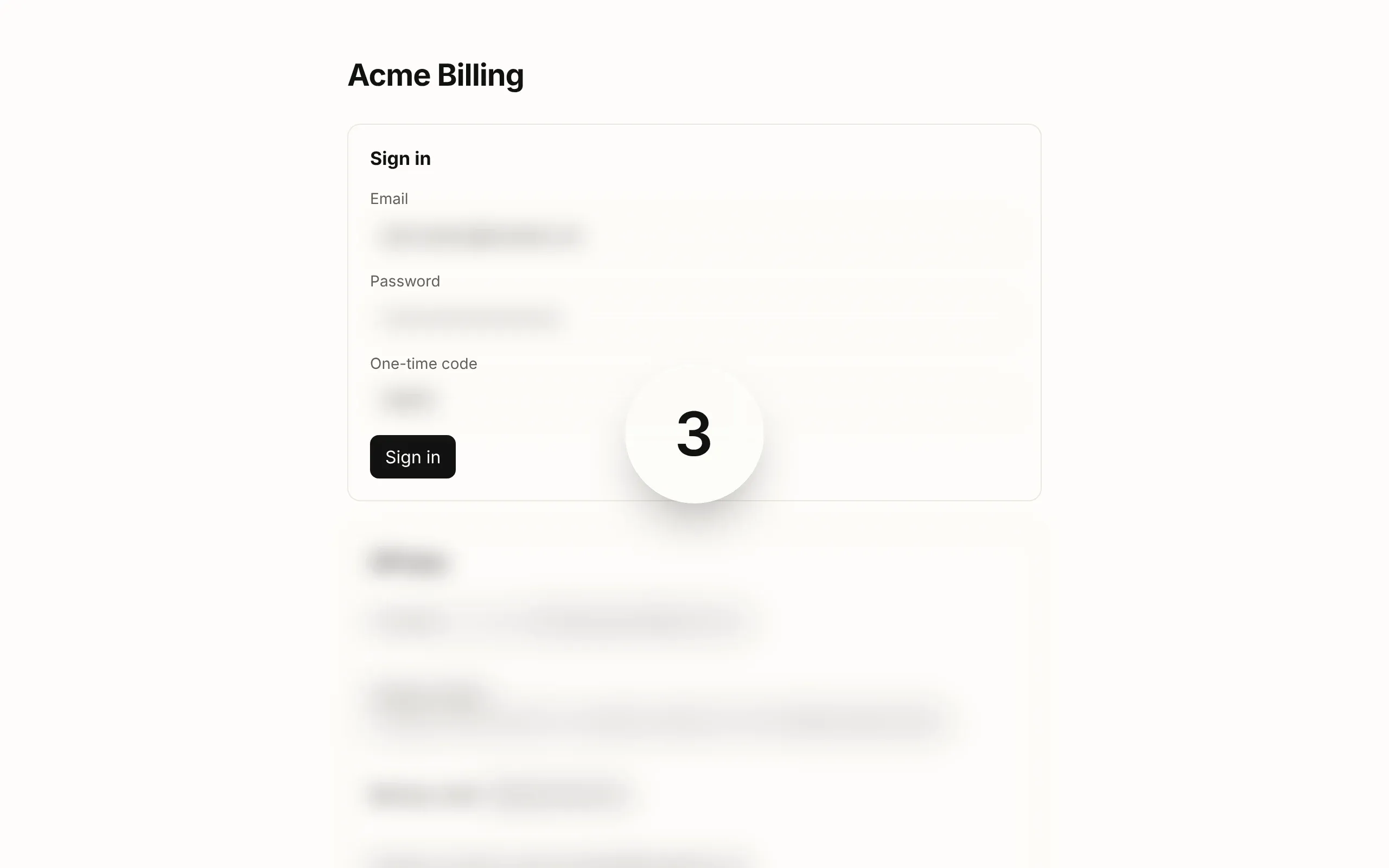
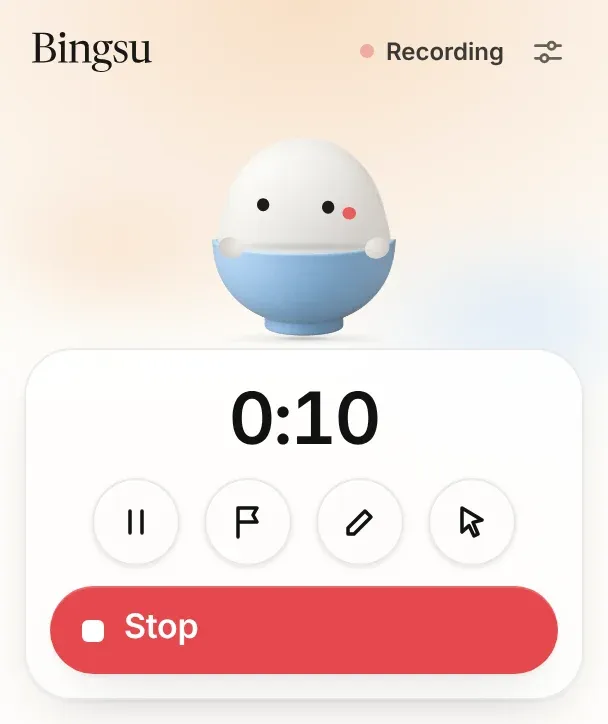
These pictures are the extension itself, captured on a demo page with made-up secrets.
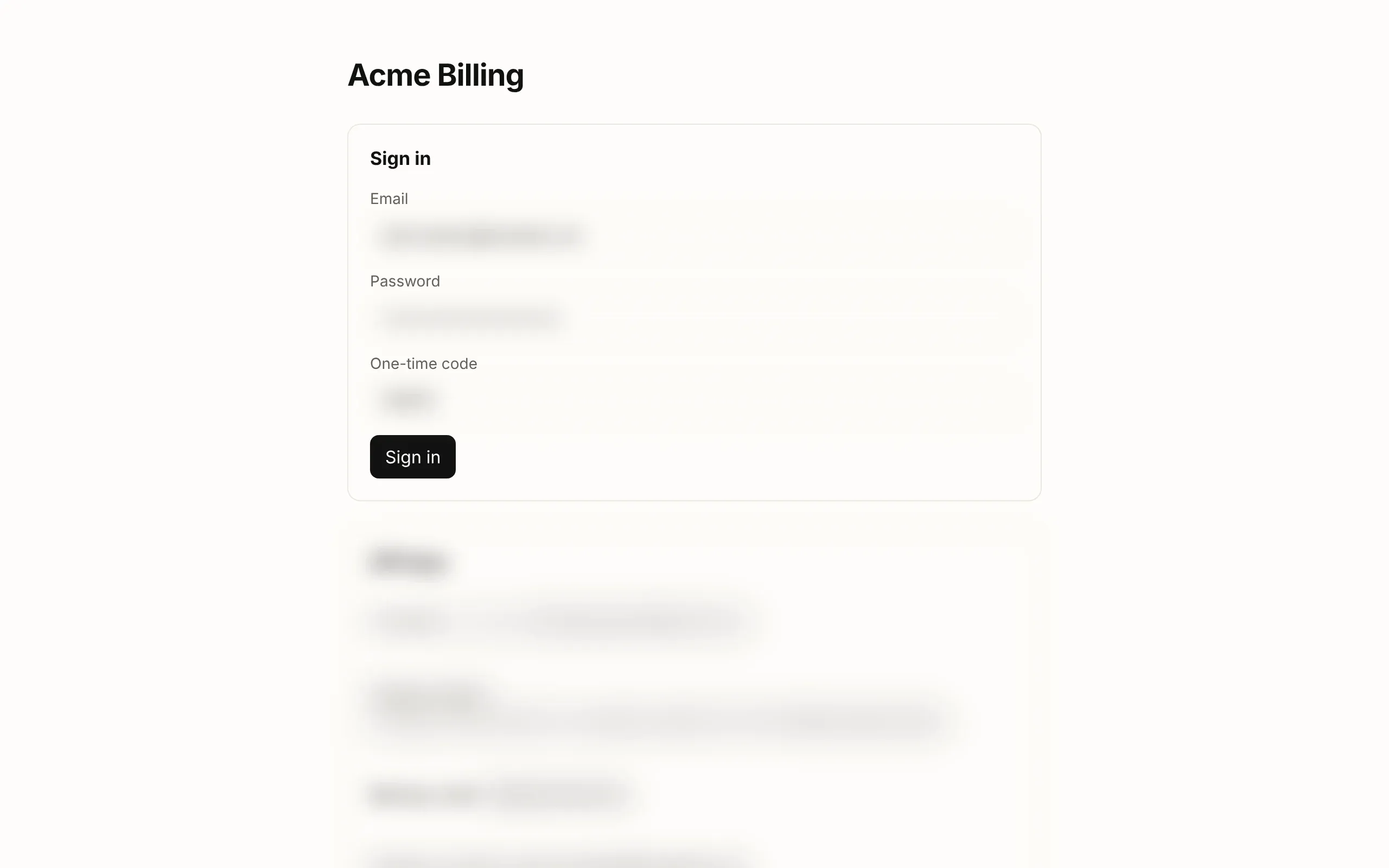
Passwords, email addresses, card numbers and API keys are blurred on the page before Chrome hands the recorder a single frame. Pick Light, Presenting or Streamer: Presenting also covers chats and notifications in WhatsApp Web, Slack, Gmail and four more.
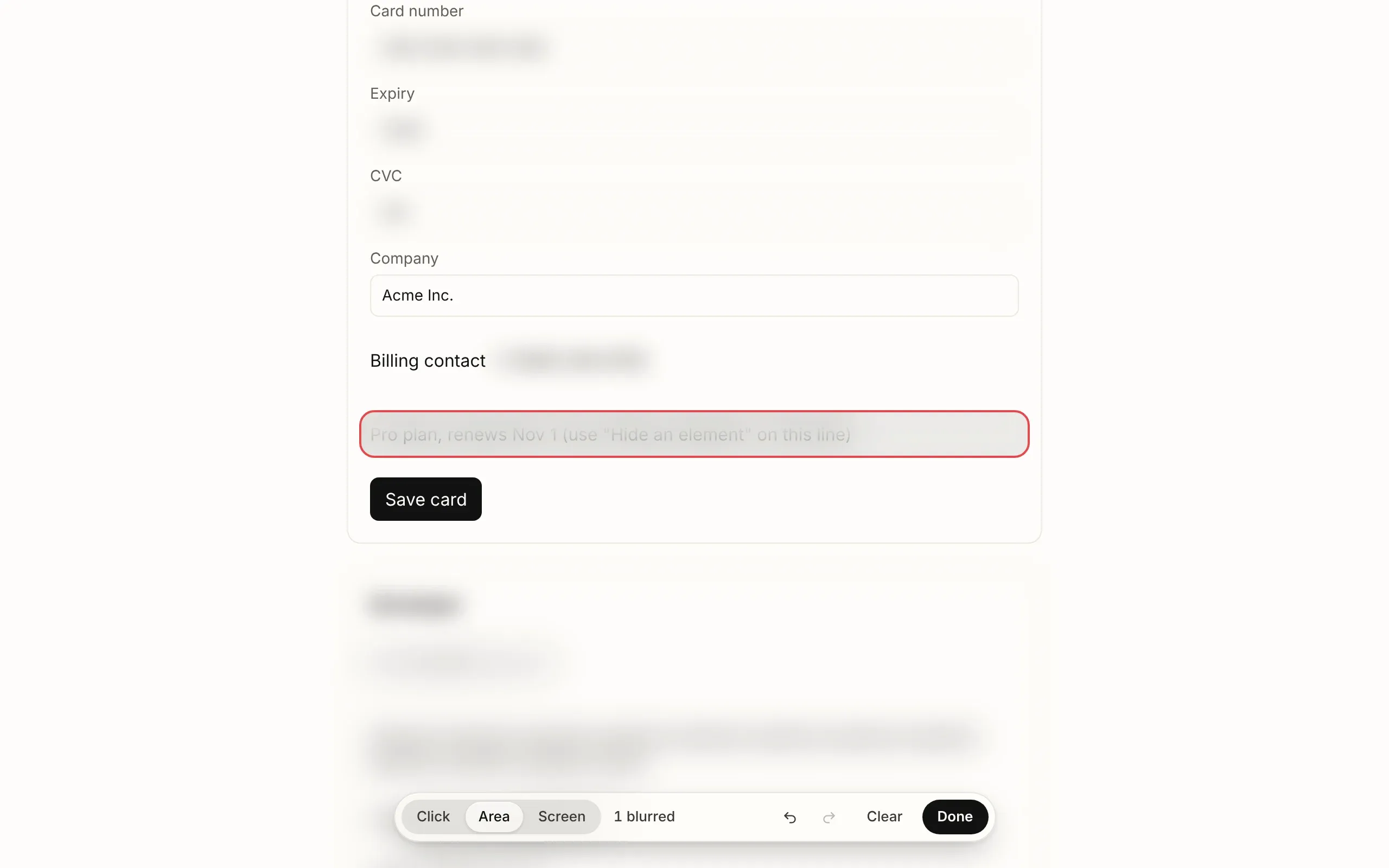
Click a part of the page or drag over an area and it frosts over, in the page and in the video. Undo puts it back.
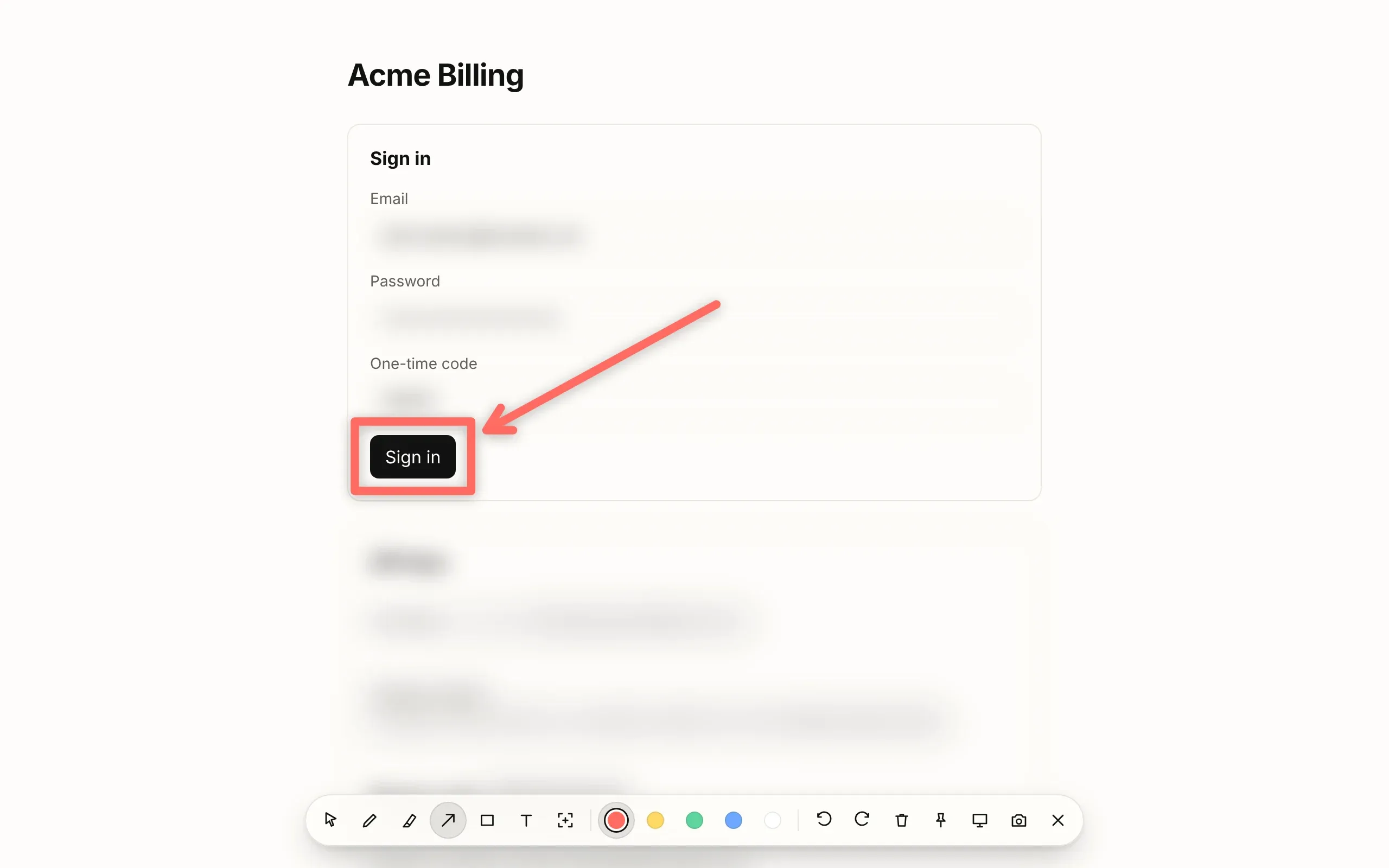
Pen, highlighter, arrows, boxes and text, from the menu or ⌥⇧D. Escape clears it all, unless you pin it.

Drag the bubble anywhere, as a circle or a rounded square, and blur the room behind you on your computer. Noise reduction cleans up the microphone. On a Meet, Teams or Discord call in the tab, each person gets a bubble too.
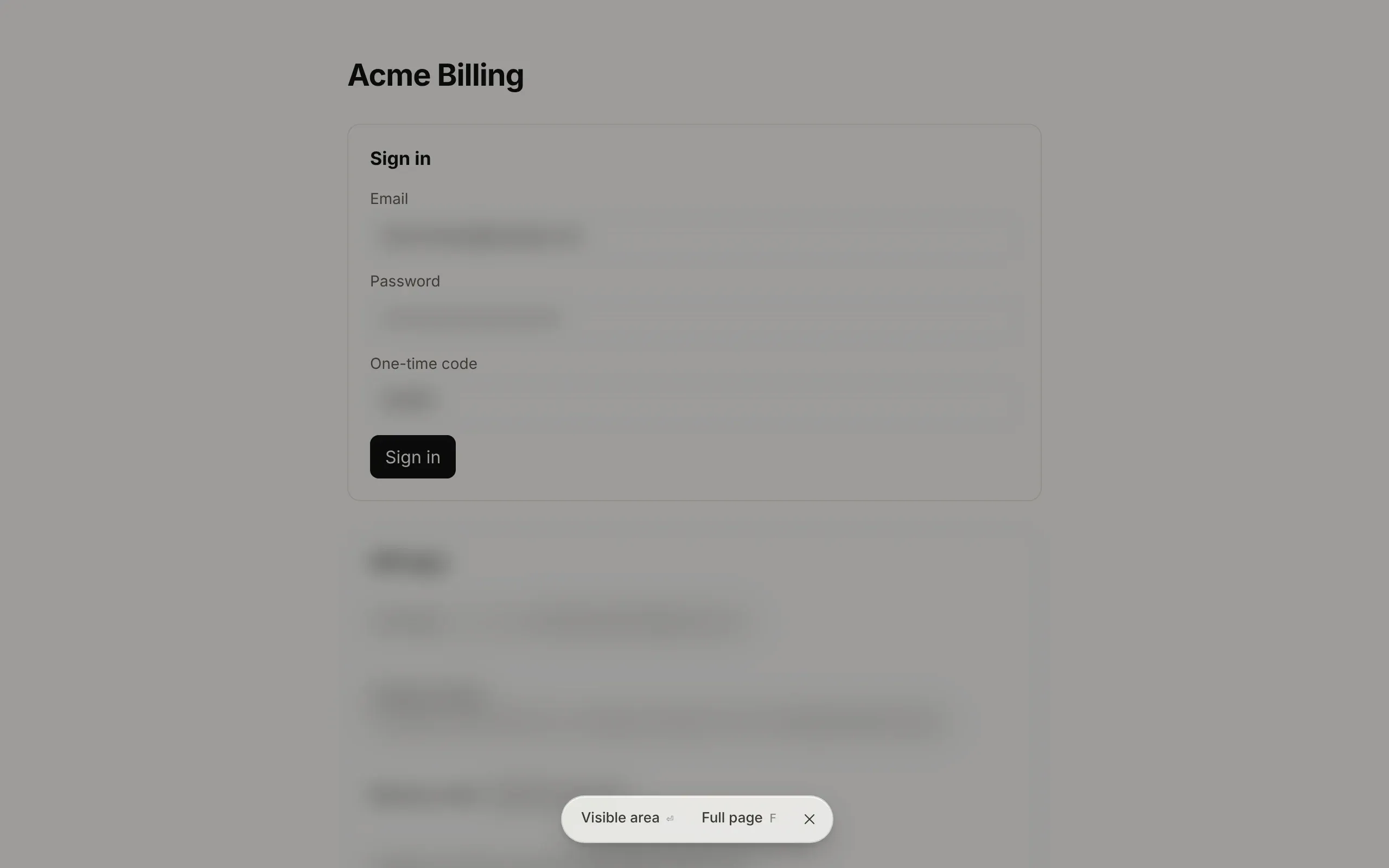
The visible area, a part you drag, or the full page, long ChatGPT, Claude and Gemini chats included. Saved as PNG or PDF and copied.
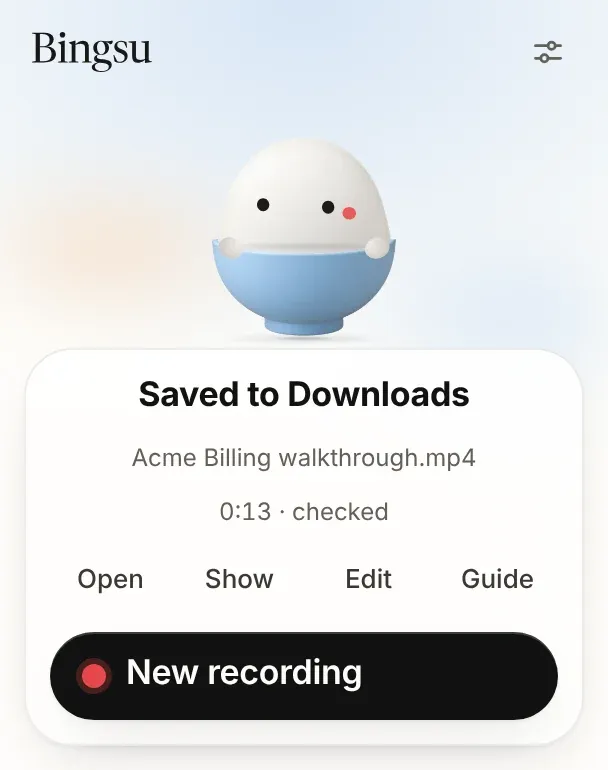
Every second is kept as you record, so a crash loses nothing. After Stop, Bingsu reads the file back, then saves a plain MP4 with a step-by-step guide made from your clicks and a zoom on each one to keep or switch off in Edit.
The extension makes no network requests at all. There is no account, no analytics and no server of ours to send anything to. Your recordings are files in your Downloads folder.
The code is open source under the GPL. Privacy policy
The extension records on its own. If the free Bingsu app is on your Mac, it hands the recording to the app.
In Chrome on Mac, Windows, Linux and ChromeOS. Records a tab, a window or the screen to an MP4 in Downloads, with blur, drawing, screenshots and the guide.
Recordings go to the app’s library, in up to 4K, with a transcript, chapters and a share page made on your Mac. The app names each step you take in the browser.
Three steps, and a welcome tab walks you through them. Shortcuts, settings and fixes are in the docs.
Or build it from the source in extension/ and load it unpacked.
Yes. It is free and open source, with no account, no watermark and no time limit.
No. The extension makes no network requests at all. Each recording is an MP4 saved to your Downloads folder, and nothing is sent to us or anyone else.
When you press Record, Bingsu blurs password fields, email addresses, card numbers and API keys on the page before the first frame is recorded, and keeps blurring new ones as the page changes. The blur is in the page itself, so it is in every frame. You can hide anything else by clicking it or dragging over it.
No. Bingsu for Chrome records on its own on Mac, Windows, Linux and ChromeOS. With the free Bingsu app for Mac installed, you also get 4K, a library and transcripts made on your Mac.
Chrome 116 or later, and the browsers built on it: Edge, Brave and Arc.
An MP4 with H.264 video, which plays in QuickTime, on Windows, on phones and in WhatsApp, Slack and YouTube. Sound is AAC where Chrome can encode it, Opus otherwise.
Bingsu keeps every second in the browser’s private storage for the extension as you record. The next time you open it, it puts the recording back together and saves it.
Yes. Record the call’s tab and each person’s camera gets a bubble of its own next to yours. Bingsu also offers a short line to paste in the call’s chat so everyone knows you are recording; it never posts anything itself.
Chrome leaves a shortcut unassigned when another extension already uses it. Open chrome://extensions/shortcuts and pick your own keys for Bingsu.
Compare it with Loom’s in Bingsu vs Loom, or read all questions.